☁️ Cloud Backend & Mobile Ecosystem
The upper two tiers of the IntelliKeep architecture bridge physical radio events to the property owner. The Cloud Backend ingests telemetry, evaluates missing asset thresholds, and coordinates push notifications. The Android Native Client provides real-time monitoring and zero-friction NFC onboarding.
1. Cloud Server Architecture (Flask + SQLAlchemy)
The server platform is implemented in Python using the Flask framework, backed by SQLAlchemy ORM and an SQLite relational database (intellikeep.db).
Core application server. Implements session management, base station registration, telemetry ingestion, and administrative web views.
SQLAlchemy object relational models for users, base hubs, asset tags, observations, and alert dispatch logs.
Asynchronous daemon thread that continuously identifies tags whose check-in timestamp exceeds the 11-minute missing threshold.
Local Setup & Installation
# 1. Navigate to project root
cd /home/nelsonserver/websites/intellikeep

# 2. Activate virtual environment
source venv/bin/activate

# 3. Install production dependencies
pip install Flask SQLAlchemy firebase-admin google-auth-oauthlib pyotp
2. SQL Relational Database Schema
The SQL database acts as the definitive system of record for all enrolled hardware and historical telemetry:
| Entity / Table | Primary Keys & References | Core Data Attributes | Operational Purpose |
|---|---|---|---|
users |
id (PK) |
username, email, password_hash, totp_secret |
Property owner credentials and multi-factor authentication secrets. |
base_stations |
id (PK), user_id (FK) |
api_key, base_name, mac_address, last_seen |
Tracks physical hubs, stored API authentication keys, and online heartbeats. |
tags |
id (PK), base_id (FK) |
mac_address, tag_name, enrollment_token, status |
Asset identity, enrollment tokens, and friendly names (e.g., "Kitchen Espresso"). |
observations |
id (PK), tag_id (FK) |
battery, tamper, reason, rssi, timestamp |
Immutable historical log of all incoming BLE check-in broadcasts. |
alerts |
id (PK), tag_id (FK) |
alert_type, message, resolved, created_at |
Tamper alarms and out-of-range/missing event records for mobile push. |
3. Multi-Tier Cybersecurity Controls
Because IntelliKeep safeguards physical property in commercial and vacation rental environments, security controls are integrated throughout the architecture:
- Per-Hub API Key Authentication: Every base station authenticates to the cloud using a unique 32-character API key stored in flash NVS (transmitted via
X-API-Key). - TOTP Two-Factor Authentication: High-risk administrative actions (such as unpairing tags, wiping base stations, or purging history) require verification with a Time-based One-Time Password (TOTP) from an authenticator app.
- Password Hashing: User passwords are salted and hashed using modern bcrypt cryptographic standards.
- Encrypted Transport: All cloud traffic is secured with TLS/HTTPS.
4. Firebase Cloud Messaging (FCM) Push Architecture
When a tag reports an optical tamper interrupt (Reason Code 1) or the missing-checker worker detects a stale check-in exceeding 11 minutes, the backend constructs a high-priority FCM message:
from firebase_admin import messaging

def dispatch_tamper_alert(tag, user_fcm_token):
    message = messaging.Message(
        notification=messaging.Notification(
            title="🚨 INTELLIKEEP THEFT ALARM",
            body=f"Tamper detected on '{tag.tag_name}'! Optical sensor opened.",
        ),
        data={
            "tag_mac": tag.mac_address,
            "status": "TAMPERED",
            "priority": "high",
            "sound": "alarm_siren.mp3"
        },
        token=user_fcm_token,
        android=messaging.AndroidConfig(
            priority='high',
            notification=messaging.AndroidNotification(
                channel_id="intellikeep_urgent_alarms",
                default_vibrate_timings=True
            )
        )
    )
    response = messaging.send(message)
5. Android Native Application
The mobile app is built natively for Android, providing property managers with immediate oversight of their monitored assets:
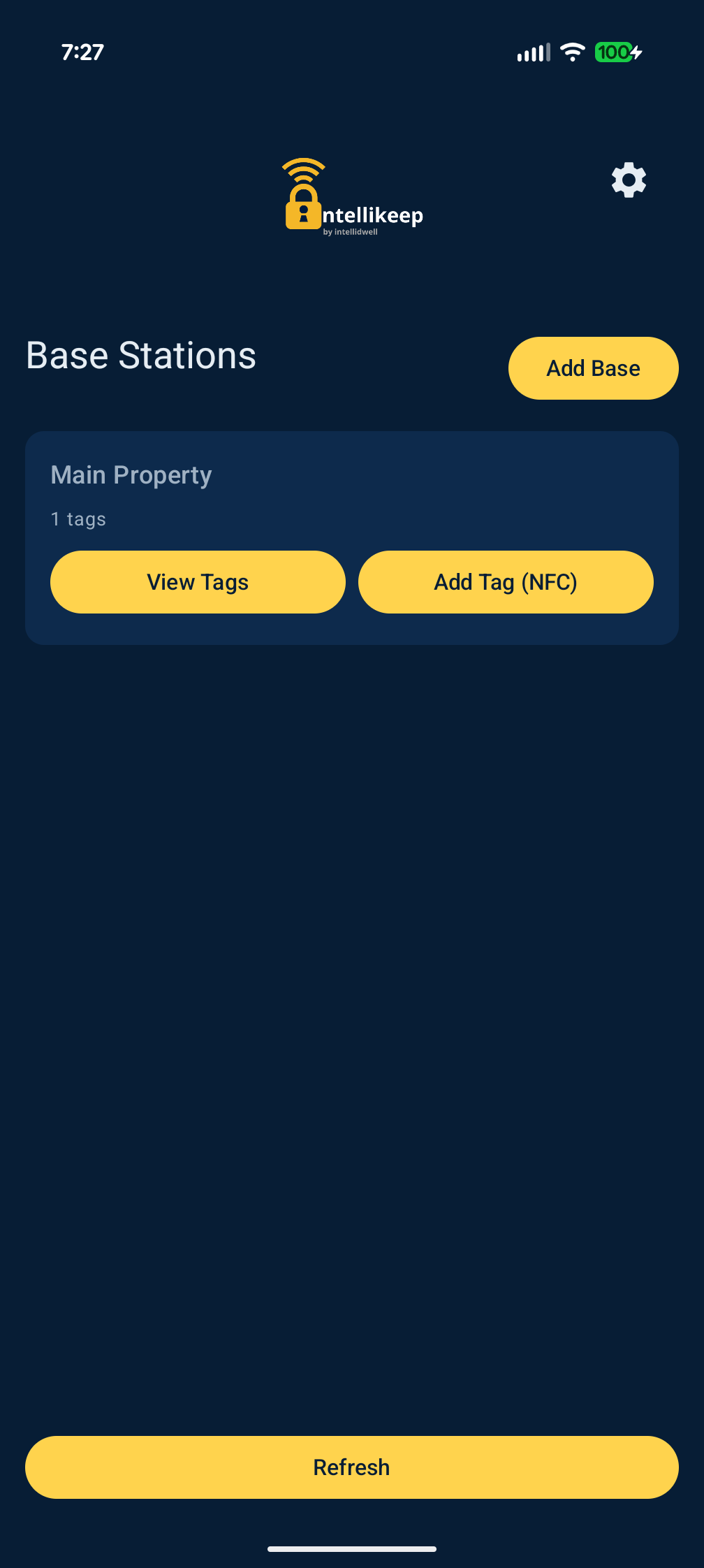
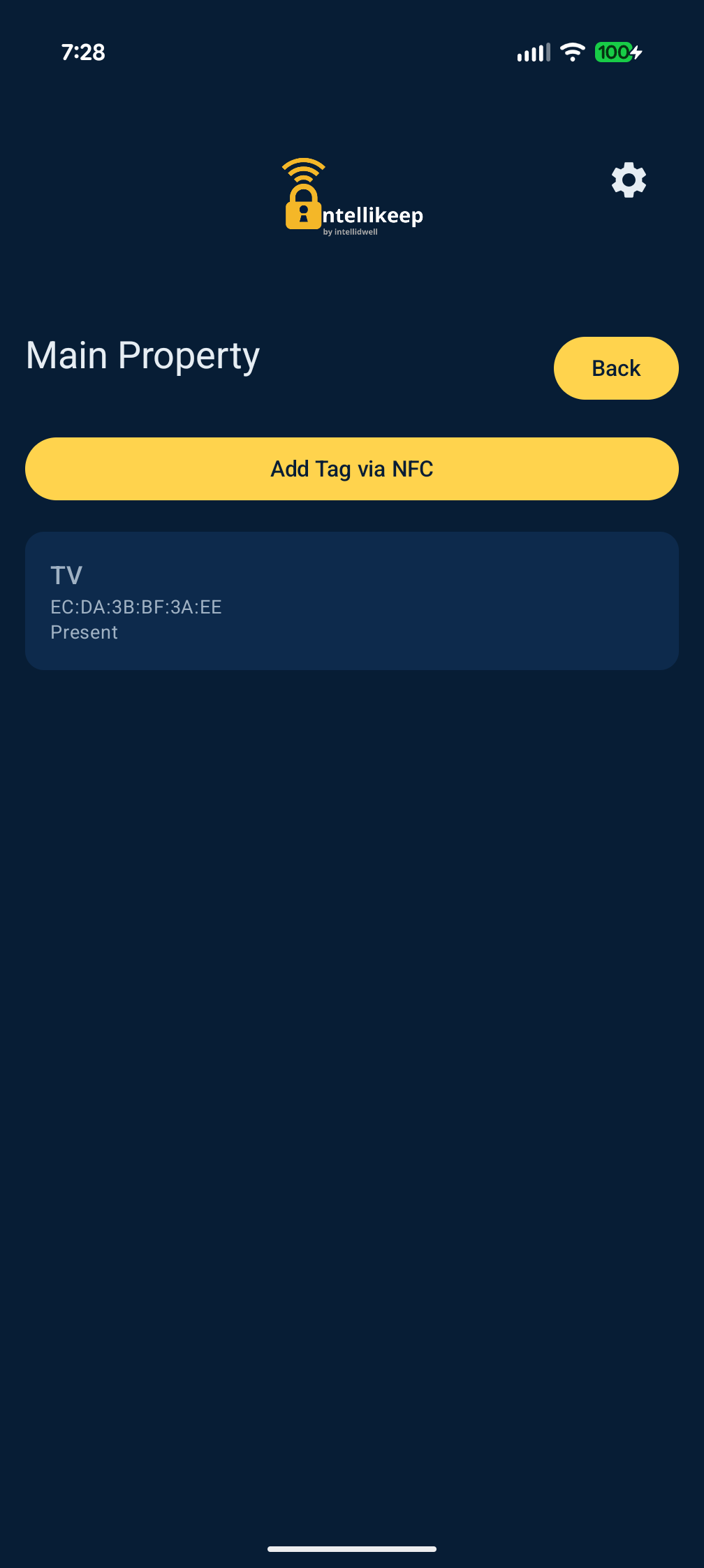
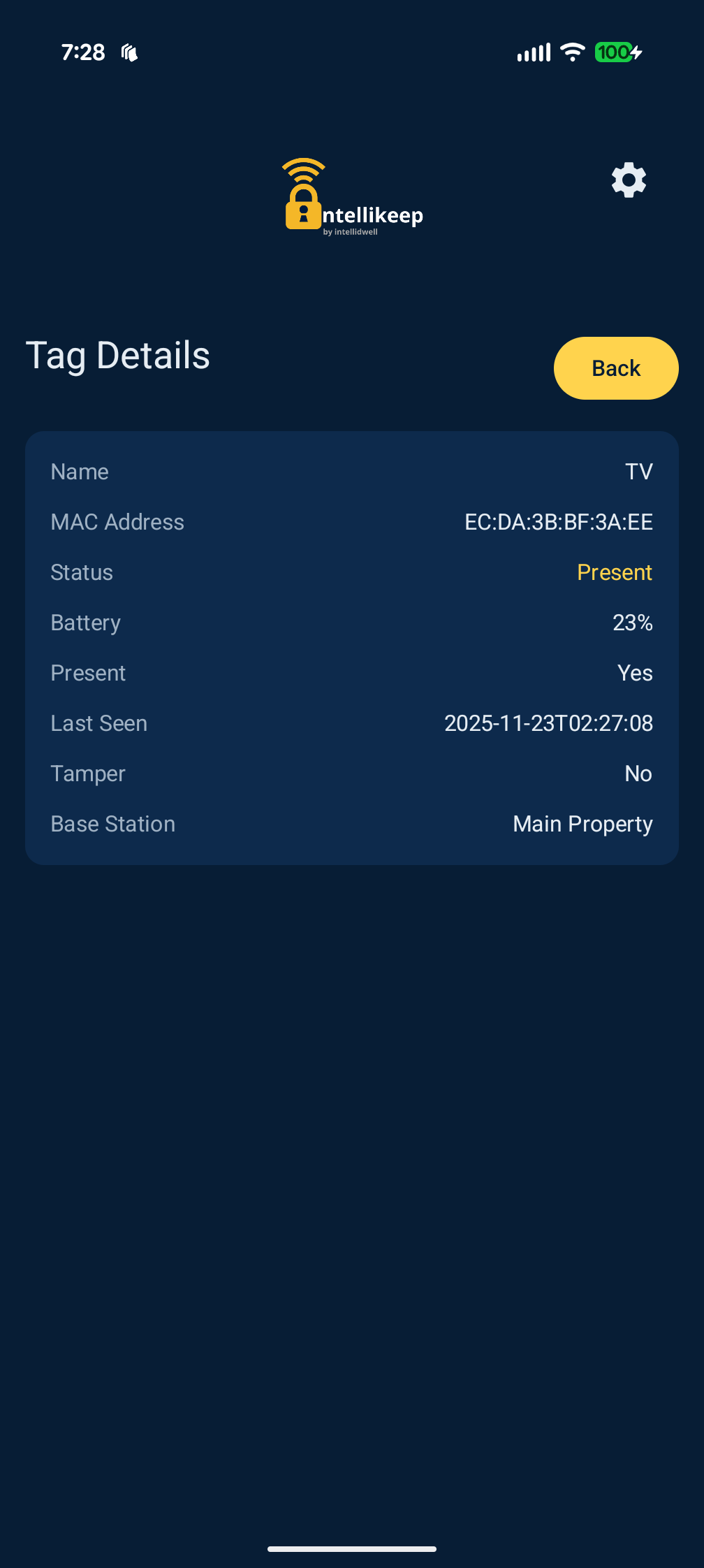
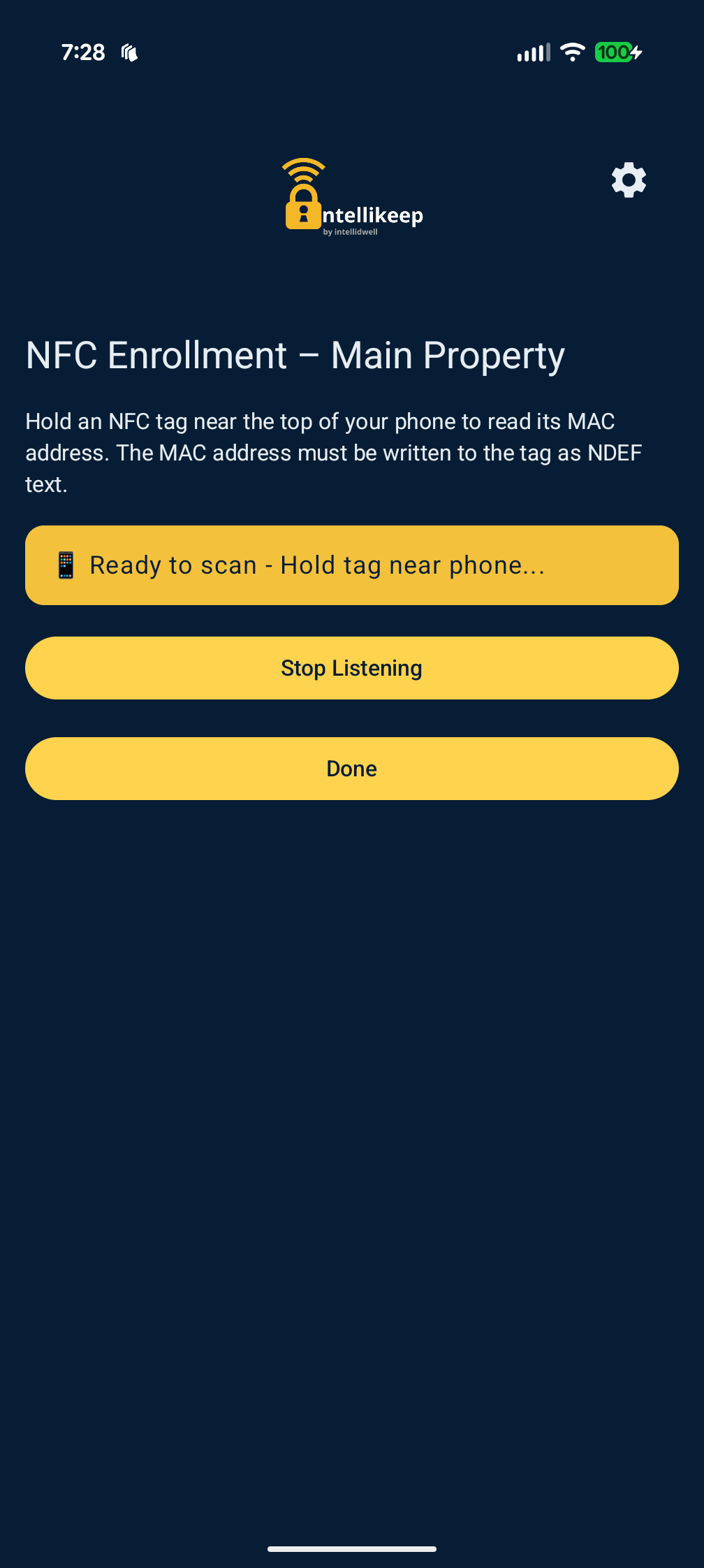
Key App Capabilities:
- Live Status Gauges: Real-time visual cards displaying RSSI signal strength, battery percentage, and present/missing status.
- Instant Audible Alarms: Background FCM receiver wakes the mobile device and plays an audible alarm tone even when the phone is locked.
- Base Station Switching: Multi-property support allowing property managers to toggle between vacation homes, offices, or warehouse locations.
6. NFC Tap-to-Enroll Workflow
Onboarding an asset tag is accomplished in seconds using Android's native NfcAdapter:
User taps the floating + Add Tag button on their base station dashboard.
User touches their phone against the tag's planar coil. The phone reads the NDEF record containing the tag's factory MAC address and short-lived enrollment token.
User types a friendly label (e.g., "Living Room 65 OLED TV") and selects Register. The app submits a POST /api/mobile/bases/{id}/tags request.
On the next 15-second heartbeat, the base station receives the updated tag list, flashes the new MAC into ikwhite NVS, and begins active presence monitoring.